














AEM Content Authoring Automation: From Approved Direction to Verified Experience
Eight authoring controls separate generated content from a verified AEM experience: approved source, destination model, component mapping, asset selection, metadata, quality assurance, approval, and release. AEM content authoring automation uses these controls to move repeatable work through Sites and Assets without removing human judgment.
This guide covers ongoing authoring and update workflows. For project migration, read the AEM Content Migration guide. For commercial evaluation, see AEM Automation.
What is AEM content authoring automation?
AEM content authoring automation turns approved briefs, tickets, copy documents, designs, data, and existing content into structured updates inside Adobe Experience Manager. It can coordinate page assembly, fragments, assets, metadata, bulk changes, localization, checks, review evidence, and release preparation within a governed workflow.
It is not unrestricted content generation. The workflow must know the approved source, supported AEM structure, allowed action, permissions, checks, accountable reviewer, release authority, and definition of done.
Start with approved direction and an executable contract
- Objective: What customer or business outcome should the experience support?
- Source: Which brief, copy, design, ticket, product fact, asset, or existing page is approved?
- Destination: Which site, path, template, component, fragment, locale, and environment should change?
- Scope: Which fields, assets, pages, variants, and references may the workflow change?
- Control: Which checks, approvals, budgets, stop conditions, release rules, and recovery paths apply?
Map marketing intent to AEM structure
Resolve the page family and content model before writing into AEM.
- Choose the supported template and page structure.
- Map content to Core Components, custom components, Content Fragments, Experience Fragments, and defined fields.
- Preserve references, inheritance, locale relationships, and reusable modules.
- Route design or content structures that require a new mapping for a content, design, or engineering decision.
- Keep stable IDs, paths, and component contracts unless the approved change requires otherwise.
Connect AEM Assets to authoring
Asset work belongs in the same execution path as page work.
- Find the approved asset by product, campaign, market, audience, rights, taxonomy, and status.
- Check dimensions, aspect ratio, format, focal point, renditions, accessibility needs, and destination constraints.
- Preserve license, expiry, rights, geography, and usage restrictions.
- Write useful metadata and alt text using approved context.
- Link the correct asset reference and verify the intended rendition renders in the page.
Execute bulk updates and localization safely
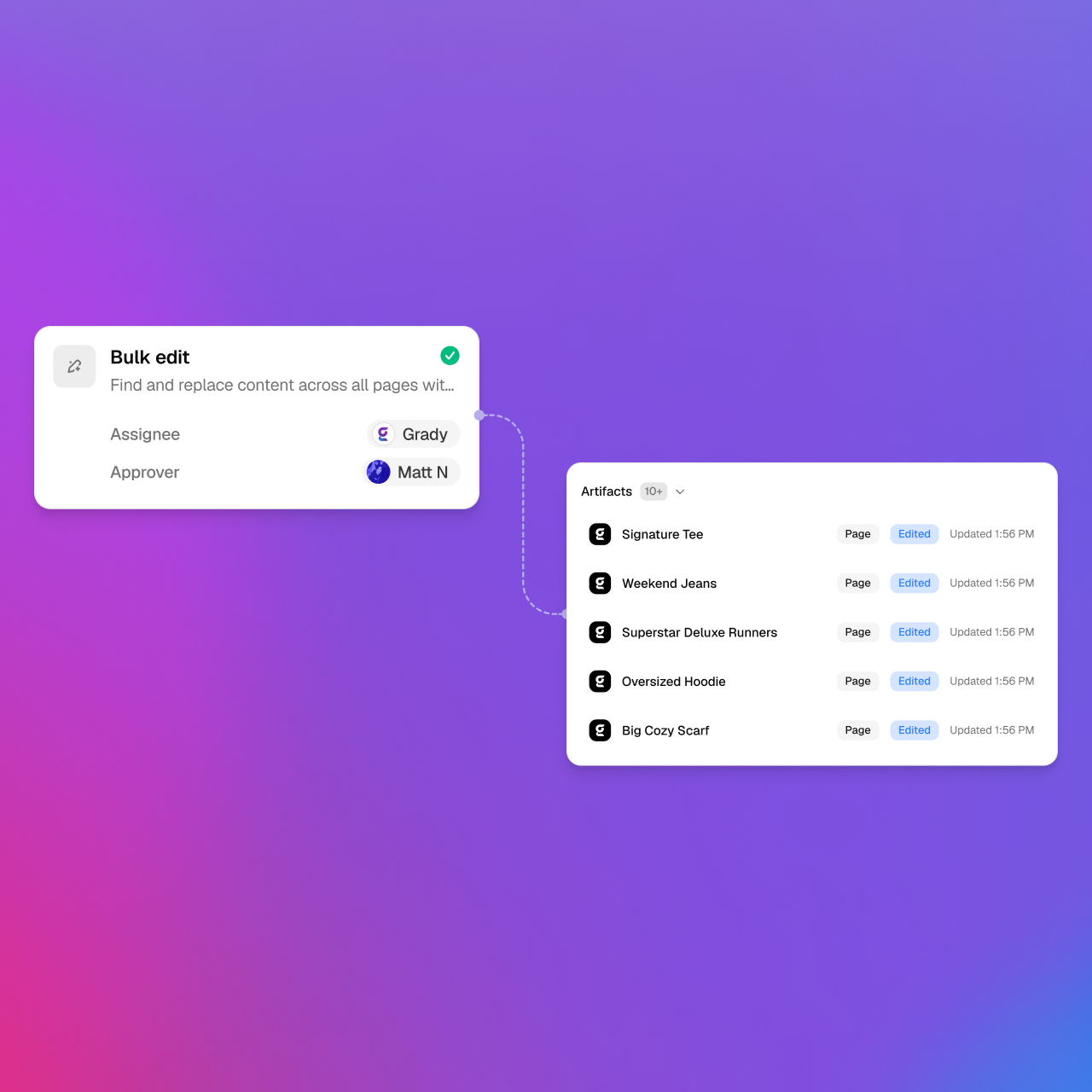
High-volume work should use a bounded operating contract, not a blind find-and-replace.
- Identify: Find affected pages, fragments, assets, fields, references, and locales.
- Preview: Show the proposed source-to-destination change and protected areas.
- Batch: Group work by template, component, locale, site, or risk so it can be reviewed and recovered.
- Adapt: Apply approved terminology, product, legal, design, and market rules without changing protected meaning.
- Verify: Check the stored and rendered result, references, inheritance, links, metadata, and local exceptions.
Run QA on the complete experience
| Quality layer | What to check | Evidence |
|---|---|---|
| Factual | Claims, product facts, source freshness, and attribution | Traceable sources and resolved conflicts |
| Brand | Voice, terminology, visual system, imagery, and channel conventions | Applied rules and reviewed exceptions |
| Accessibility | Headings, labels, links, alt text, tables, contrast, and media alternatives | Checks plus human review of experience-critical paths |
| Technical | References, links, routes, rendering, responsive behavior, metadata, and integrations | Stored-state and rendered validation |
| Governance | Permissions, approvals, policy scope, release authority, and audit evidence | Recorded decision and bounded release scope |
Separate authoring, approval, and release authority
Drafting a page, approving the customer experience, and authorizing release are different decisions.
- Prepare the reviewable AEM draft using approved sources and structures.
- Attach the source, exact changes, checks, preview, exceptions, and requested decision.
- Route content, brand, legal, accessibility, or experience decisions to the accountable owners.
- Freeze the approved scope and confirm environment, dependencies, timing, and recovery.
- Release only under the approved authority.
- Verify the live experience and repair or recover the smallest affected unit.
How Gradial orchestrates AEM authoring
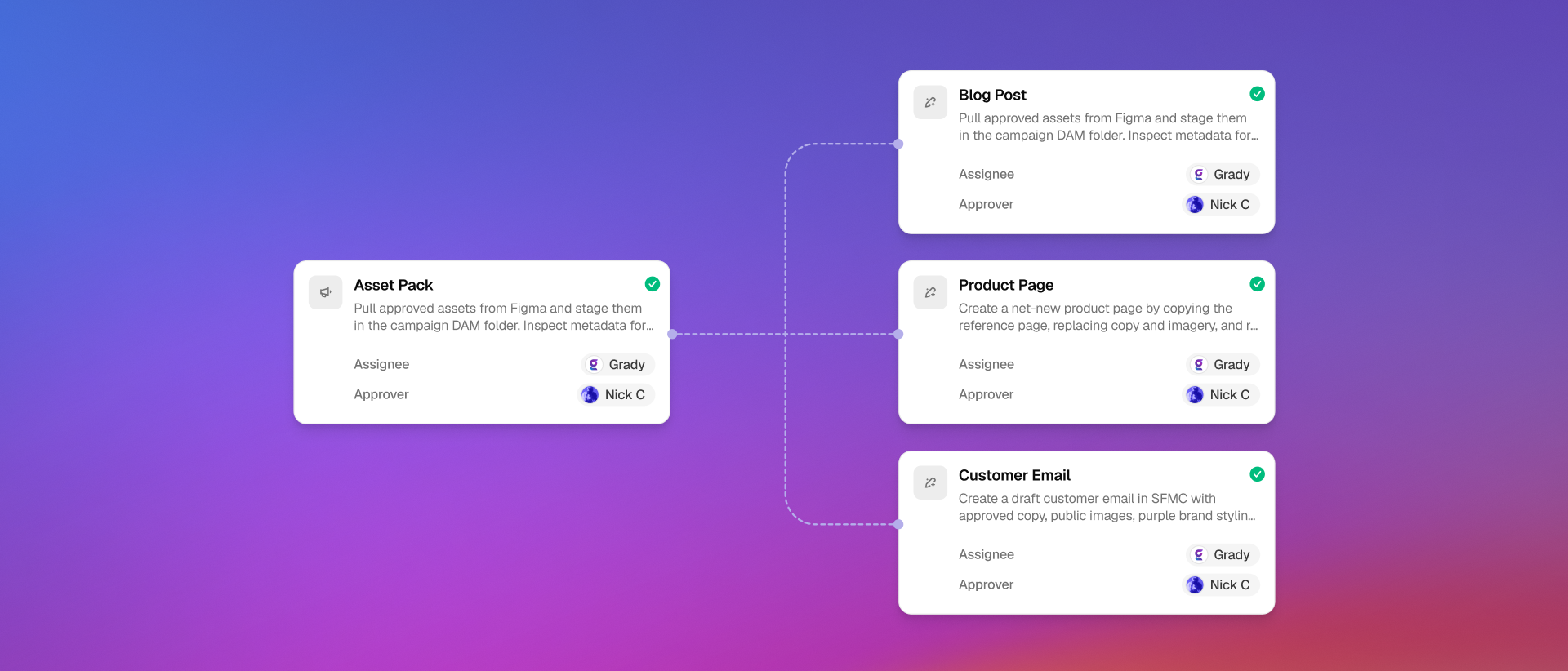
- Source-grounded intake: Gradial turns approved briefs, designs, copy documents, tickets, and existing pages into scoped work.
- Native structured execution: Gradial can prepare and apply supported changes using the AEM structures already approved for the destination.
- Connected asset operations: Page, fragment, DAM, metadata, and rendition work stay inside one execution path.
- Evidence-attached review: Reviewers receive the source, delta, checks, rendered proof, exceptions, and requested decision.
- Bounded release and recovery: Authoring, approval, release selection, publication, verification, and recovery remain separate controlled actions.
Measure verified authoring outcomes
| Signal | What it reveals | Example measure |
|---|---|---|
| Cycle time | Speed from approved request to verified result | Hours per accepted page or update |
| First-pass approval | Source, mapping, and quality reliability | Accepted items divided by reviewed items |
| Rework | Hidden authoring and review burden | Corrections and review minutes per item |
| Throughput | Repeatable operating capacity | Verified pages or updates per week |
| Cost per outcome | Economic efficiency | Model, tool, infrastructure, agency, and human cost per accepted result |
What governed AEM authoring produces
- Structured pages and updates grounded in approved source material.
- Correct use of supported templates, components, fragments, fields, assets, metadata, and locale relationships.
- Visible checks, exceptions, and review evidence before customer-impacting decisions.
- Separate authority for drafting, editing, approving, releasing, publishing, and recovery.
- A measurable operating baseline for quality, cycle time, rework, throughput, and cost.
Evaluate AEM automation | Plan a governed migration | Map an AEM authoring workflow