
Gradial builds and updates pages in your existing CMS using approved copy, designs, and change requests. It maps source material to supported components and returns an actual draft for review. Your team keeps control of the content decisions, quality, and what goes live.
The final-final destination.
The copy is approved, the design files are completed in Figma, and the assets are ready in the DAM.
Somehow, there's still a mountain of production work inside the CMS standing between your time and the final place these outputs belong: a live page.
Gradial agents handle the assembly, updates, and supported QA work in your existing CMS, and the team stays focused on delivering value to customers, not the mechanics of building it.
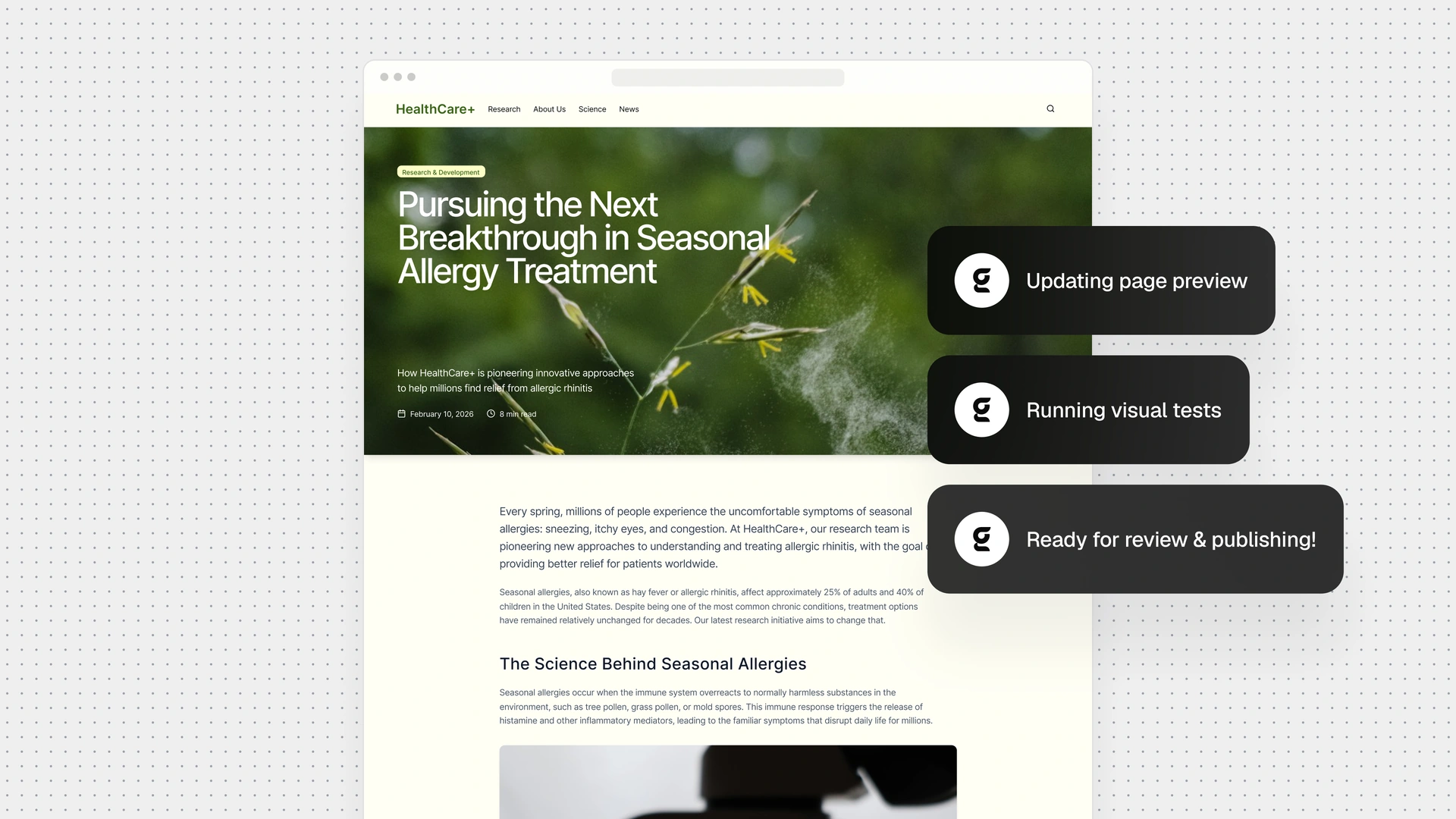
Next stop: a reviewable page.
No rogue layouts, mystery components, or creative liberties. Gradial works within your existing CMS structure, mapping content and designs to the approved components and templates your team already uses. And when a design calls for something your CMS can't support, Grady flags it for your team to decide the best way forward. No guesswork, no surprise improvised workarounds.
You can ask Grady to:
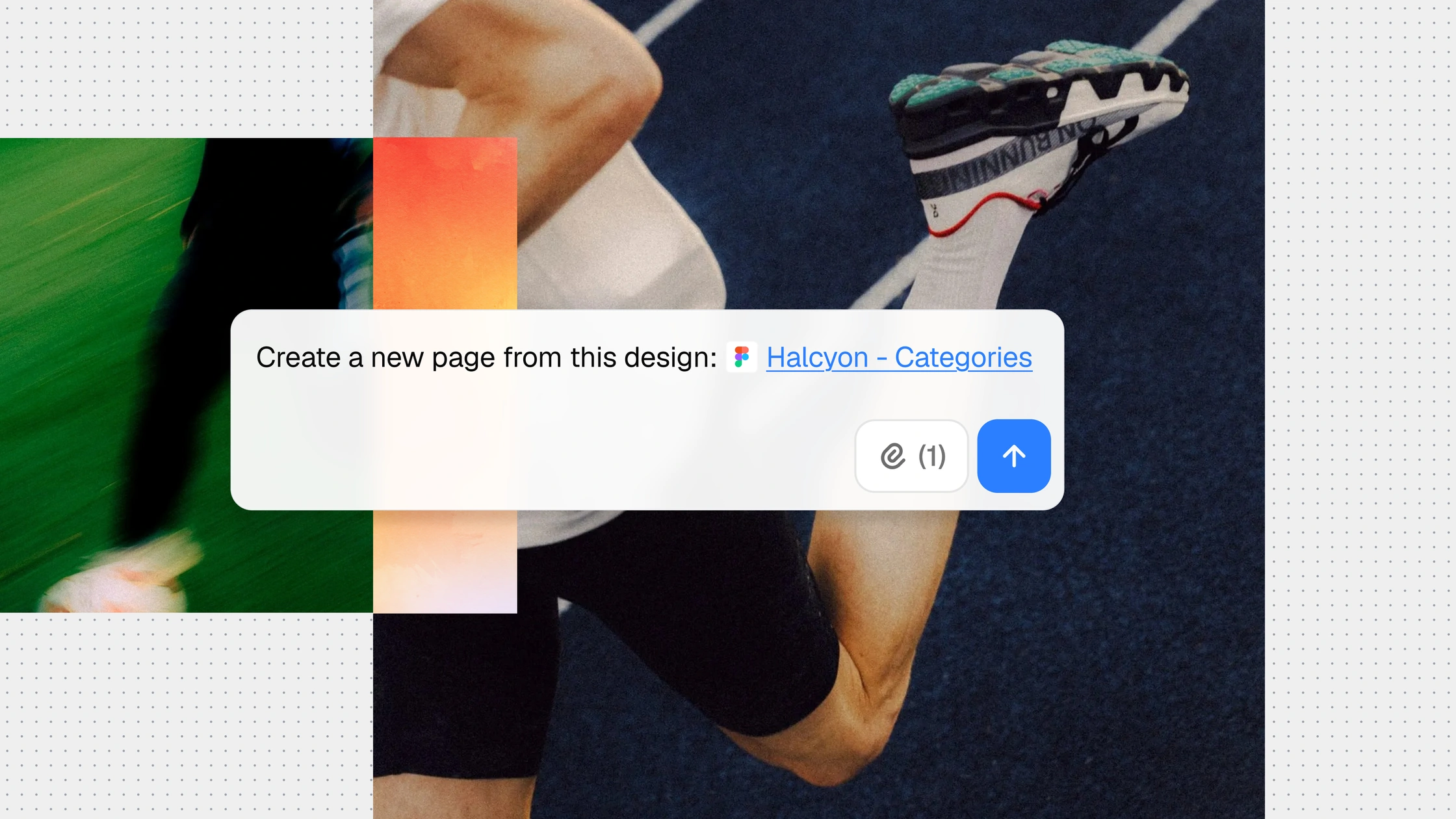
→ Build a landing page from this approved copy document.
→ Turn this Figma design into a draft using our existing components.
→ Add an FAQ section using these approved support answers.
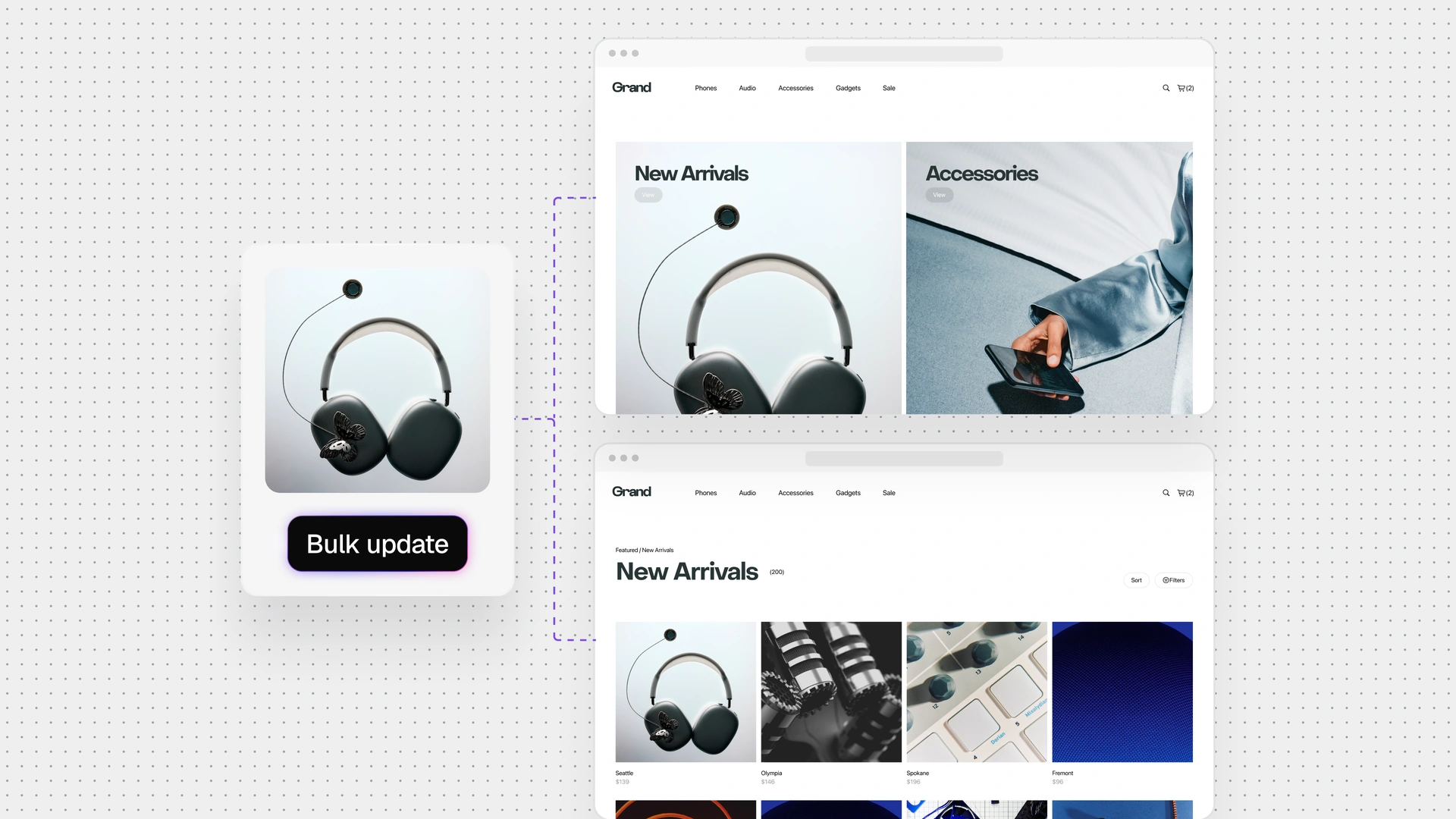
Make one update. Not a million little edits.
A new product name or disclosure can mean the same change across a long list of pages. Gradial identifies the agreed scope, applies the approved updates, and surfaces exceptions for review. Supported copy, images, links, metadata, and component changes stay attached to one request.
You can ask Grady to:
→ Replace this retired product name across the selected pages.
→ Swap the seasonal banners on these regional homepages.
→ Apply the edits marked on this screenshot to the draft page.
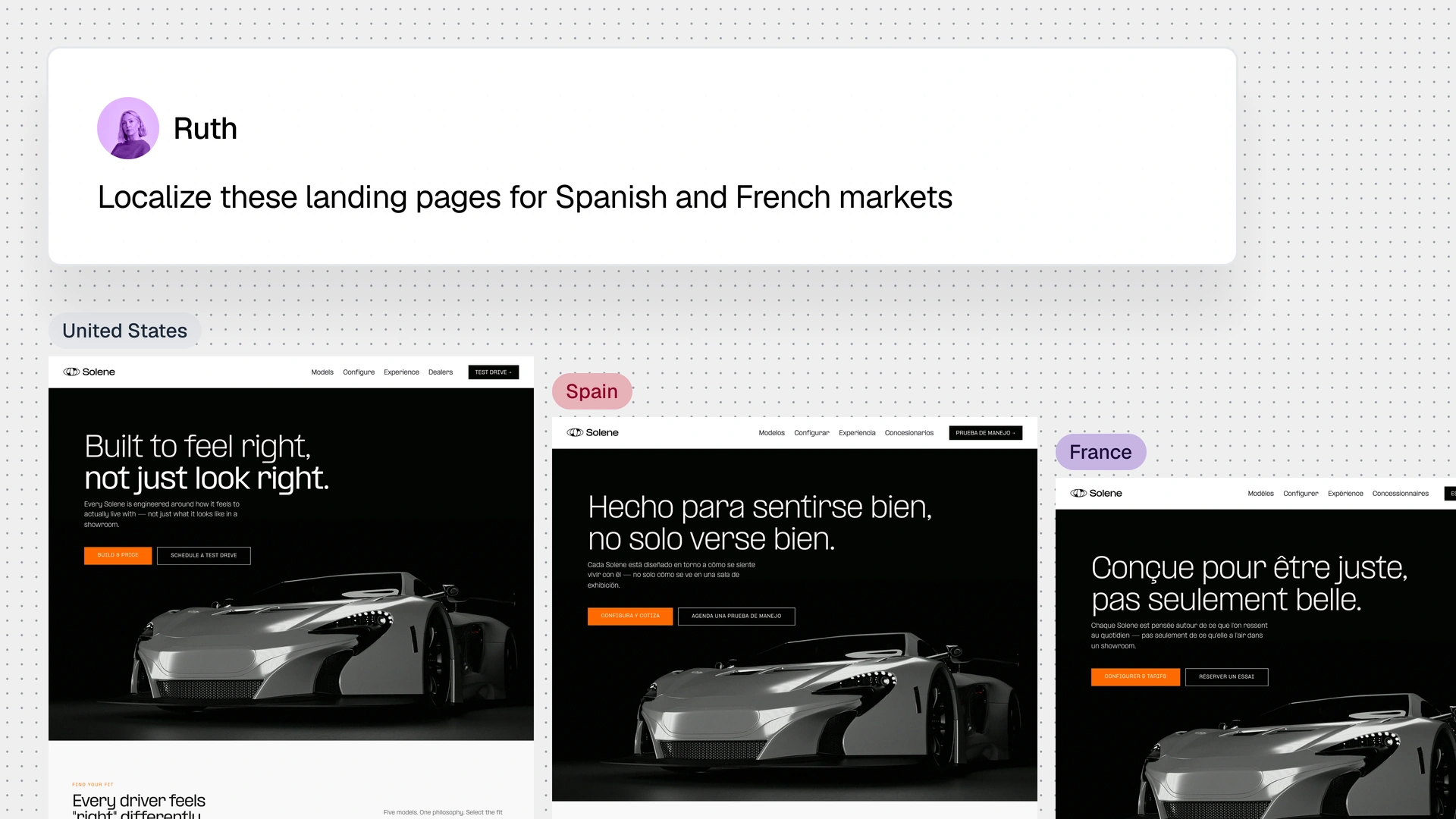
Every version for every market in one take.
Take one approved campaign and make it work across regions without multiplying the production effort. Gradial agents create localized versions of your content and assets while preserving the brand elements that keep everything consistent. Your local experts bring the language, offers, disclosures, and market knowledge that make each experience relevant.
You can ask Grady to:
→ Adapt this approved landing page for our priority markets.
→ Clone this site section for regional review.
→ Add the supplied regional disclosures to these product pages.
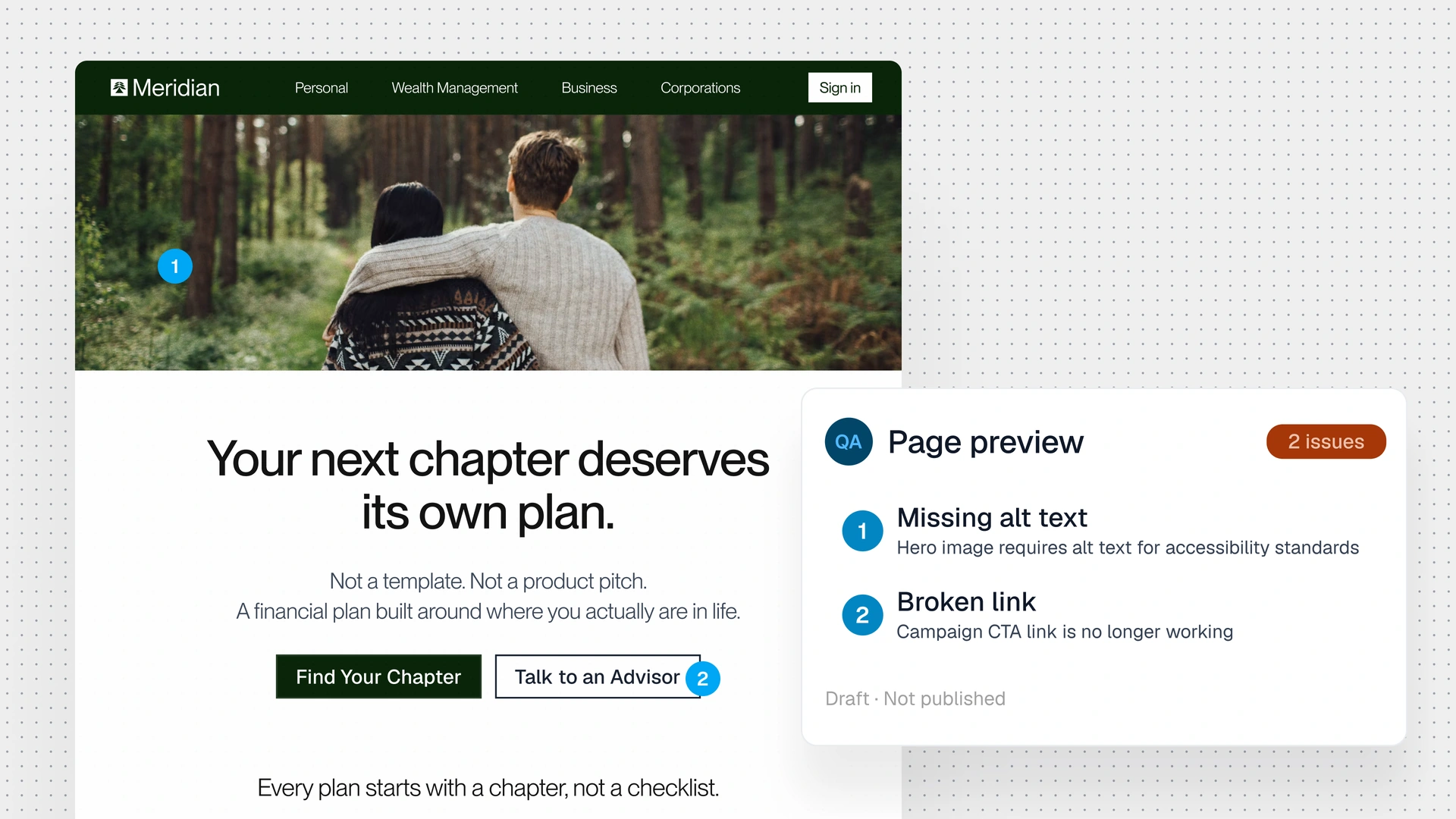
Review the page customers actually see.
A successful content update is not the same as a page that works. Gradial checks the stored change and the rendered draft, with configured checks for links, images, metadata, accessibility, and brand requirements. Unresolved issues stay visible, and publishing remains a separate decision.
You can ask Grady to:
→ Check these launch pages for broken links and missing images.
→ Review this page on desktop and mobile and flag issues.
→ Audit accessibility and prepare remediation tasks for review.