

CMS and content operations
Combine page-building procedures, design-system guidance, metadata standards, accessibility checks, and publishing rules.
Skills encode how your organization works: brand standards, workflows, review logic, and learned best practices. Grady applies that living knowledge graph automatically, so every task starts with more context and teams move faster without trading away quality or control.
Skills can be combined for complex, multi-step workflows. Grady applies what is relevant when it is relevant, so every workflow carries the right enterprise context from intake through delivery.
Combine page-building procedures, design-system guidance, metadata standards, accessibility checks, and publishing rules.
Carry the brief, audience strategy, channel requirements, handoffs, approvals, and launch plan through one coordinated workflow.
Reuse approved formats, required inputs, analytical methods, and review standards so outputs arrive consistent and decision-ready.
Run the right standards inside the workflow, fix safe issues early, and route judgment calls to the right people.
Critical expertise is scattered across people, documents, checklists, tools, and past campaigns. Skills turn that know-how into reusable operating context, so it stays available when someone changes roles, a new team joins, or the next launch begins.
Each Skill connects procedures, policies, formats, audiences, products, systems, and feedback into reusable context. As teams teach Grady what worked, what changed, and what must stay true, that graph grows. The next workflow does not start from a blank prompt; it starts from the accumulated operating intelligence of the enterprise.
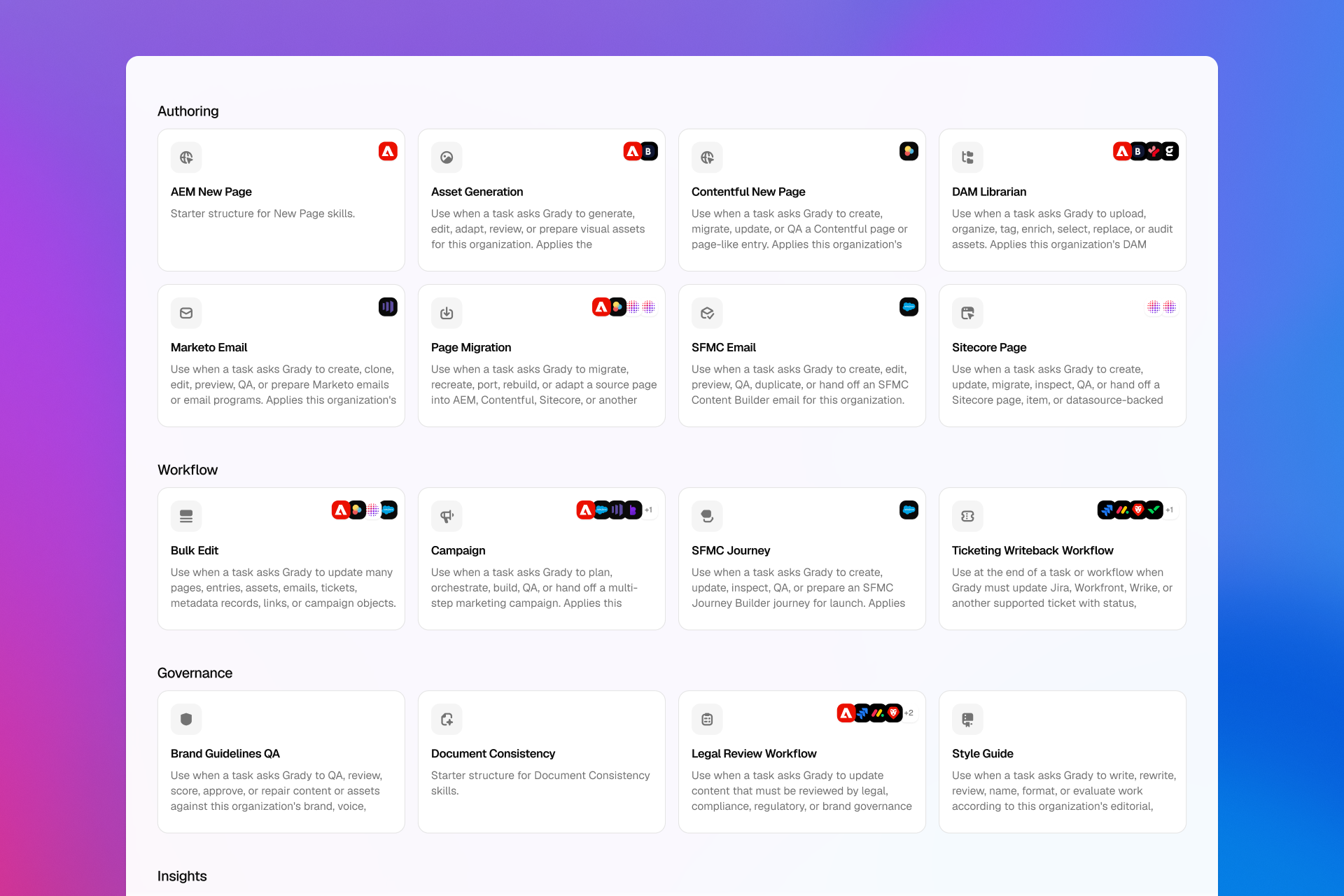
Gradial includes first-party Skills for common marketing operations work. Your organization adds the brand, product, audience, market, workflow, and governance context that turns a general capability into execution that fits the business.
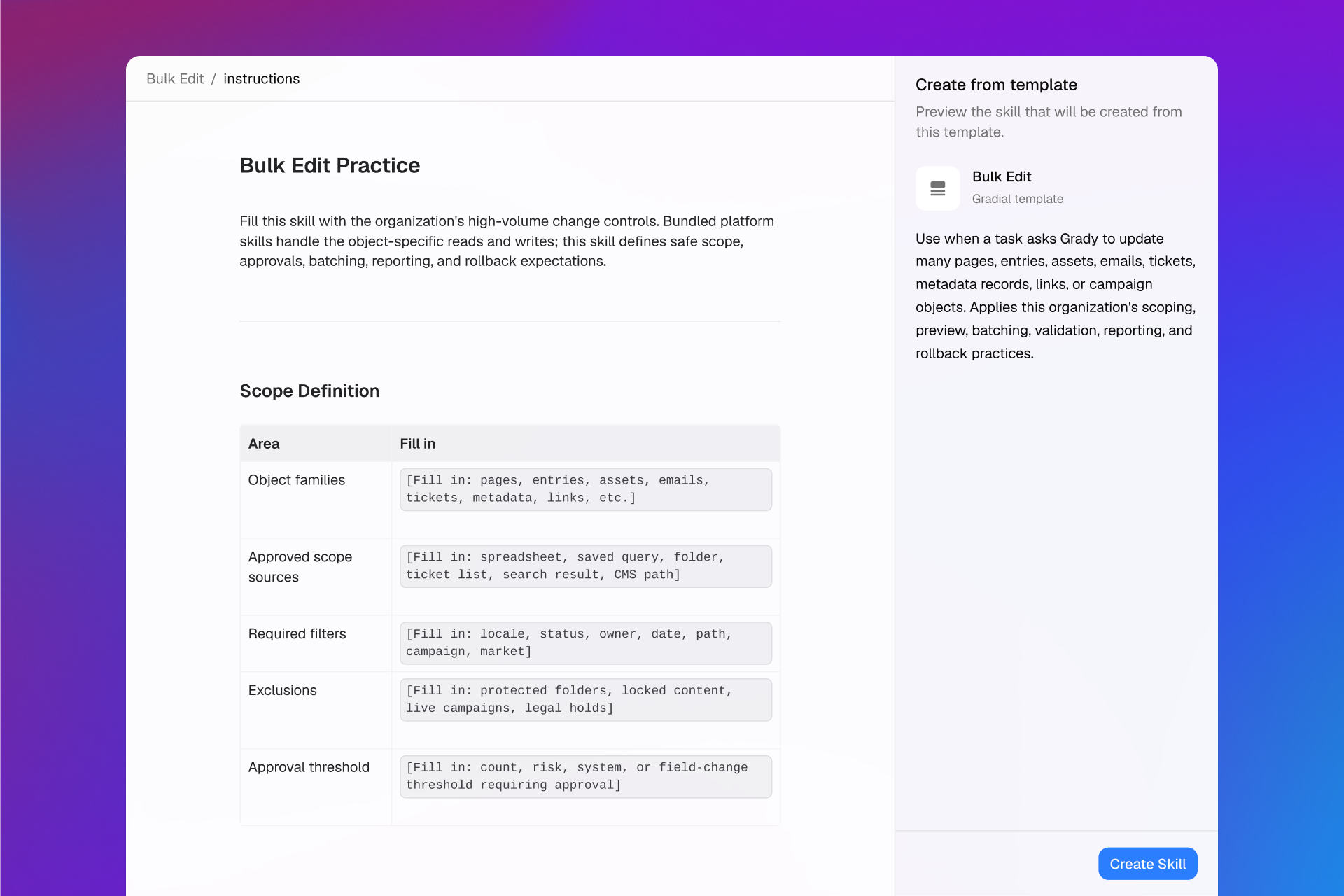
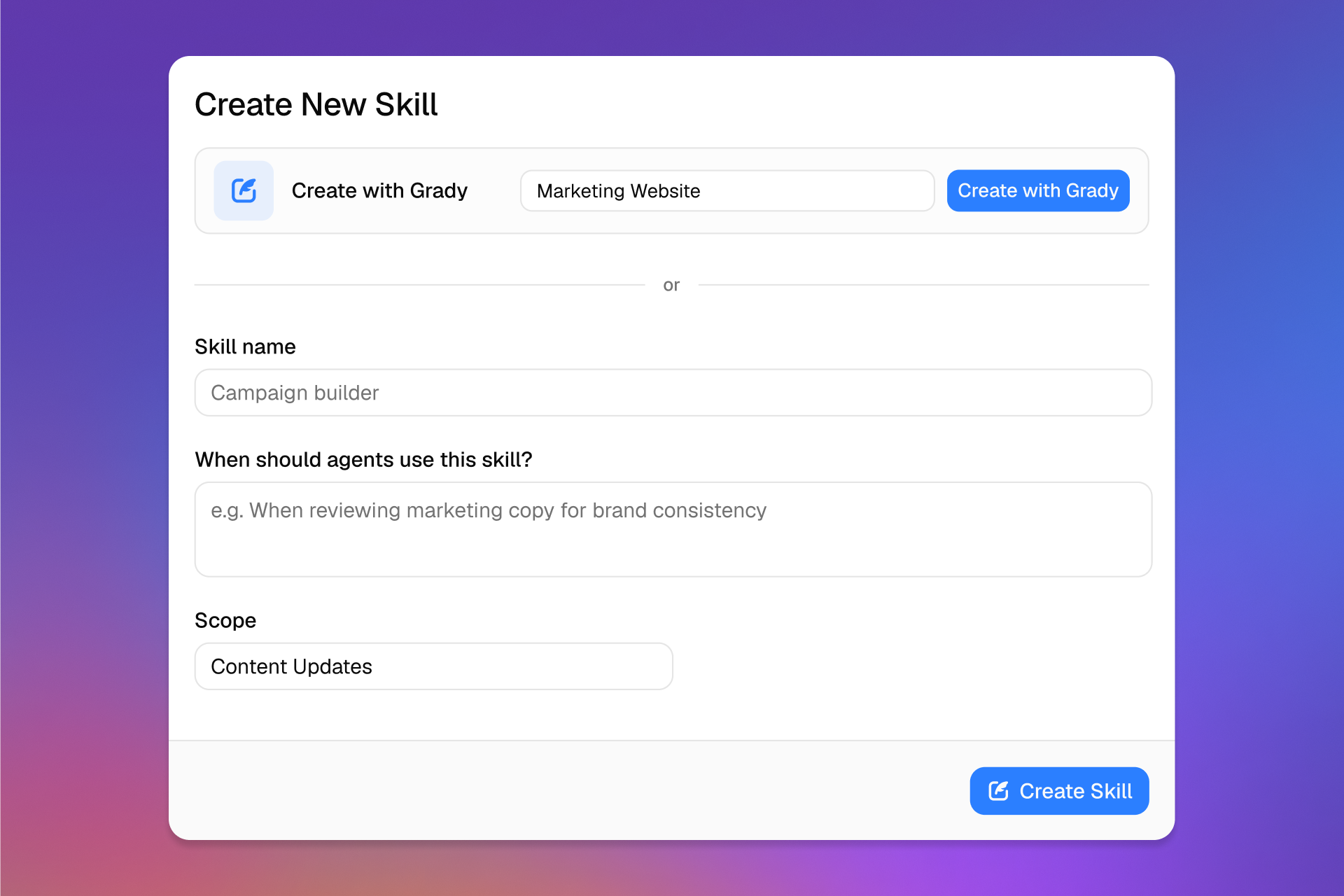
Create and edit Skills in a rich, document-style editor, start from a Skill-Builder Template, or ask Grady to turn real operating guidance into a reusable capability. Skills are scoped to a workspace by default and can be promoted across the organization when that knowledge should become standard.
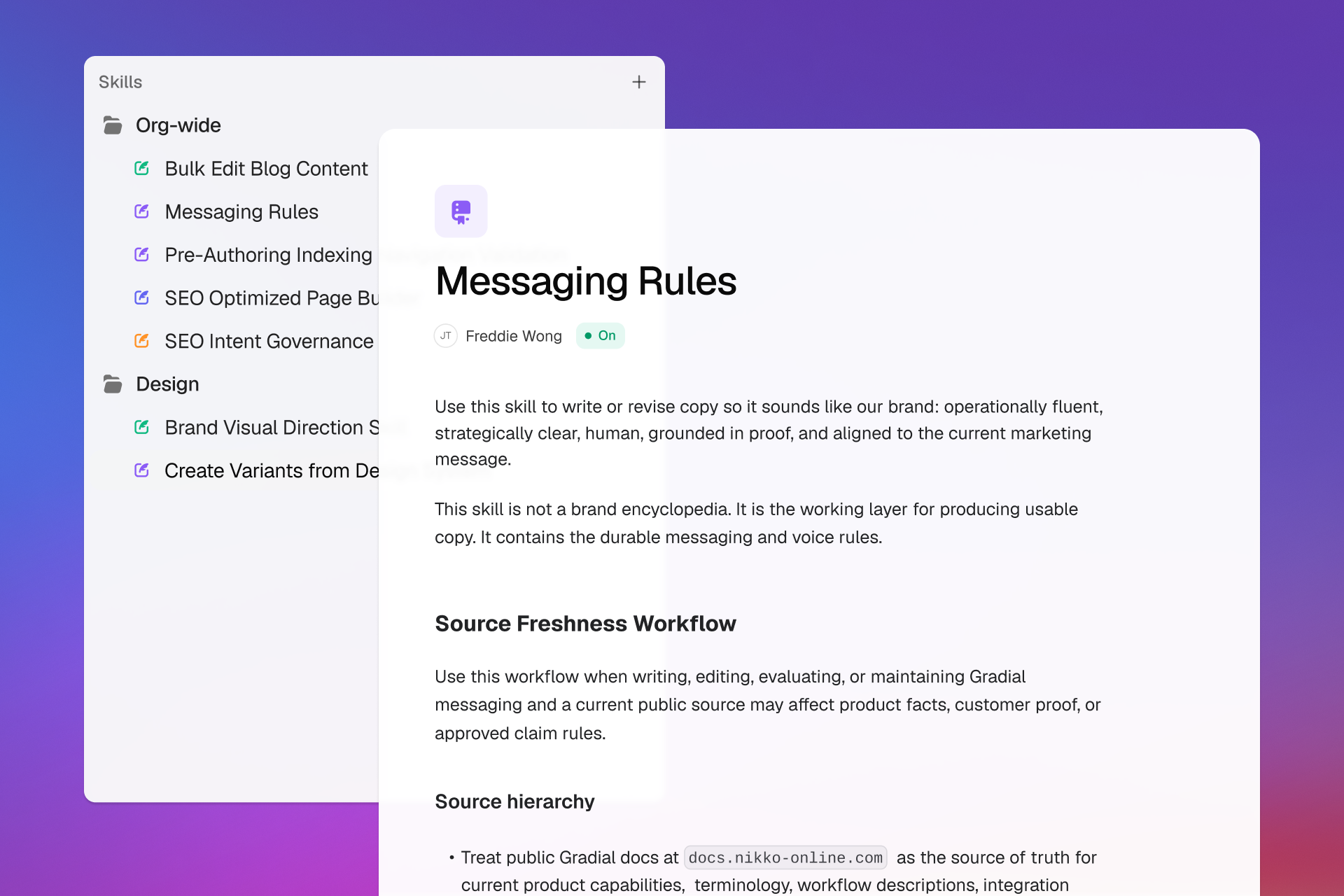
Grady can create or update Skills from patterns in real work. Teams can see where the knowledge came from, review what changed, and decide whether it belongs in one workspace or across the organization.
Skills make enterprise context operational. Knowledge stops sitting on the sidelines and starts improving the speed, consistency, and quality of the work itself.
Keep critical workflows, decisions, and standards available even as people move across teams or leave the organization.
Give new teammates and new workspaces access to proven operating context from the first task, not after months of tribal learning.
Apply brand, compliance, accessibility, and review requirements inside execution rather than relying on people to remember every check.
Turn approved feedback and successful patterns into reusable context, so the organization gets sharper as more work moves through Gradial.