
Ask the question in plain language
Ask Grady to compare pages, explore a performance change, or review results over time. Get an analysis grounded in your connected data, with the dates, metrics, and gaps made clear.
Now comes the analysis, brief, and getting the change live. Grady connects those steps, reviewing analytics, building reports, and turning findings into actionable, evidence-based tasks.
Bring connected data, custom reporting, and actionable recommendations into the same workflow.
Ask Grady to compare pages, explore a performance change, or review results over time. Get an analysis grounded in your connected data, with the dates, metrics, and gaps made clear.
Describe the report or dashboard view you’re looking for. Grady builds it using available data in connected systems, and you refine the view in conversation as your questions evolve.
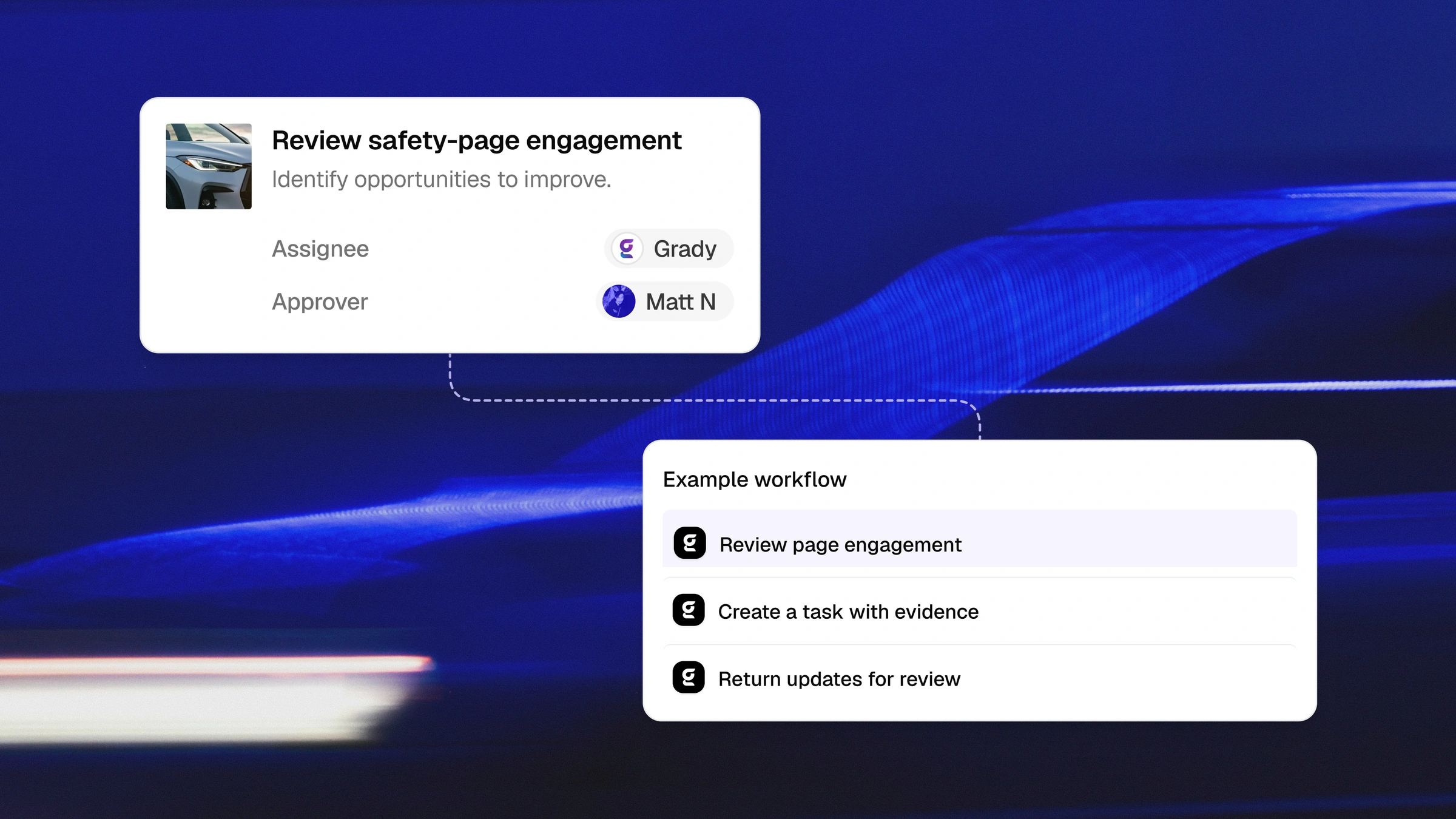
Turn AI-search, page-health, and customer-experience findings into tasks with the evidence attached. Grady can make the updates and bring them back to your team.
After an approved update goes live, review performance or rerun an experience audit. Use what you learn to refine the change, investigate further, or move to the next priority.
Find the pages, visibility gaps, and experience issues that deserve a closer look.
Traffic is flowing, but engagement or tracked conversions are lagging. Ask Grady to compare page performance in your connected analytics and identify where to investigate.
GEO Monitoring lets you see how AI answers mention your brand, cite your site, or feature competitors. Track visibility across configured prompts and supported answer engines, then explore the responses behind the trends.
CX Optimizer will navigate your site through simulated customer journeys, uncover confusing content, broken flows, and obstacles to the next step, with prioritized recommendations your team can act on.
Gradial works with your existing analytics tools, including Google Analytics 4, Adobe Analytics, and Google Search Console. These connections are read-only. Content updates happen through separate supported integrations and workflows.