

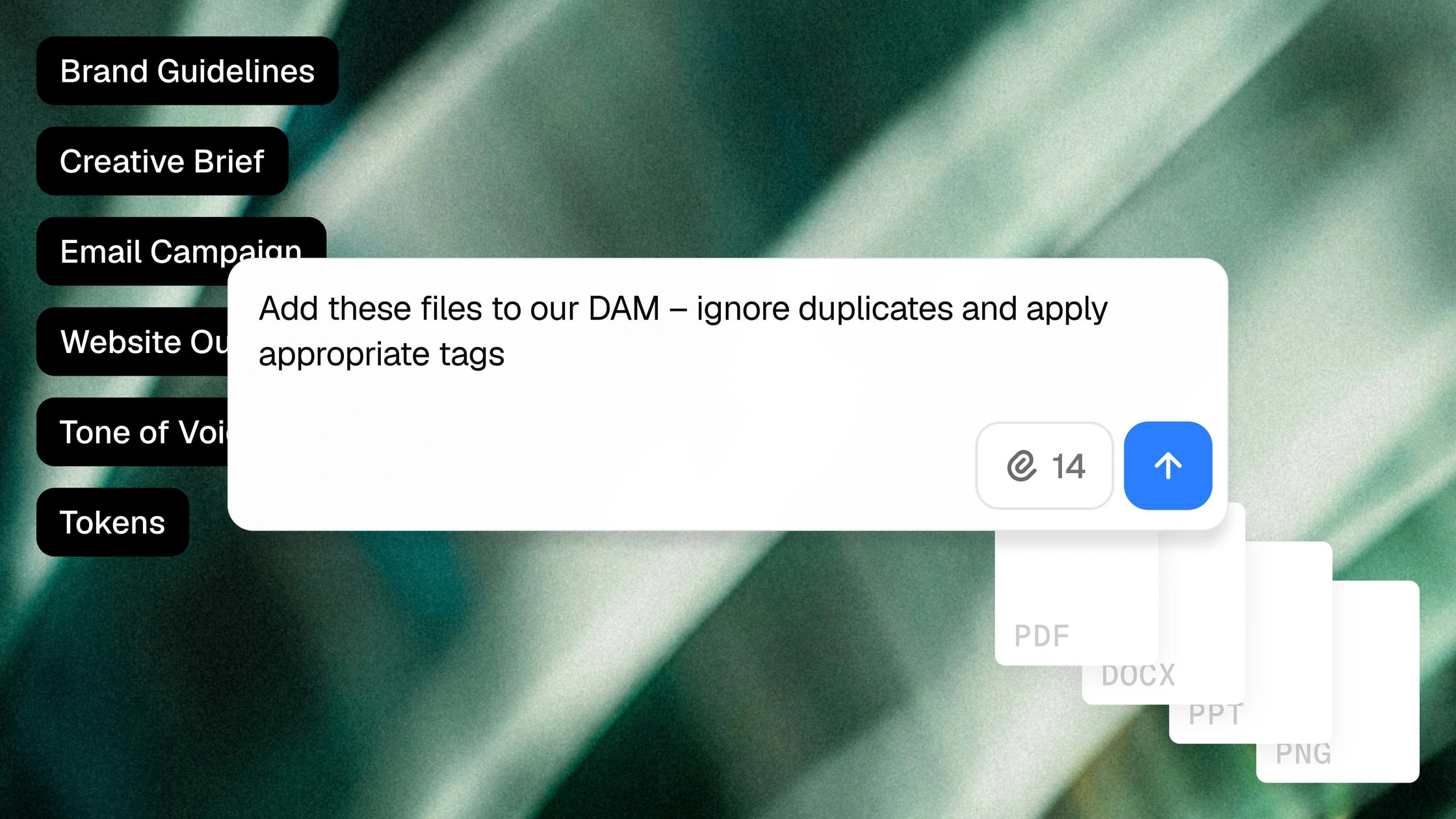
Gradial helps organize creative deliverables, enrich metadata, retrieve relevant asset candidates, and prepare library cleanup. It can also connect available approval and rights information to in-scope content placements. Your team defines the requirements and makes the decisions about what to retain, replace, or retire.
Your asset manager isn’t a search engine.
But that’s often how the job feels. “Where’s the approved version?” “Can we use this in Germany?” “Didn’t we already shoot something like this?”
The answers may exist, but they’re scattered across filenames, asset records, briefs, and job tickets, and someone has to connect them before the work can move.
Gradial handles that operational follow-through, so the person responsible for the library doesn’t have to be the route into it.

Final deliverables, organized up front.
Don’t just drag and drop your deliverables into folders. Incoming assets need more than an upload. They need the right descriptions, campaign tags, product associations, and available rights information. Gradial processes assets against your metadata requirements and controlled vocabulary. Where connected source information is available, it carries context from the work request into the asset record and flags gaps for review.
You can ask Grady to:
→ Ingest this delivery and apply our required metadata.
→ Tag these assets using the approved campaign taxonomy.
→ Flag files missing the information needed for approval.

Find the right assets for the job, not just a matching filename.
A campaign brief describes what the team needs, but it rarely includes the exact name someone gave a file last year. Gradial uses the discovery capabilities available in your connected library to retrieve relevant candidates, and improves descriptions, tags, and taxonomy, making the next search easier for everyone.
You can ask Grady to:
→ Find approved imagery for this campaign brief.
→ Update descriptions and tags across this collection.
→ Reorganize these taxonomy terms to match our current structure.

Clean up the library without outsourcing the decisions.
Duplicate images, outdated names, and missing metadata make a library harder to trust. Gradial helps surface those problems and prepare the cleanup. Your team decides which versions to retain, replace, or retire, and agents carry out the supported updates within the approved scope.
You can ask Grady to:
→ Identify duplicate and near-duplicate images in this collection.
→ Classify the untagged assets in this folder using our taxonomy.
→ Find files still using the retired naming convention.

Keep rights information connected to where the asset appears.
An expired license matters on the page using the image, not just in the asset record. Gradial compares in-scope content with available license and restriction information, flags affected placements, and helps prepare approved replacements. Missing or unclear rights information stays visible for someone to resolve.
You can ask Grady to:
→ Find pages using images on this expired-license list.
→ Flag assets missing the rights information we require.
→ Replace this retired image across the approved page set.